/ 4 min read
AirAlert watchOS
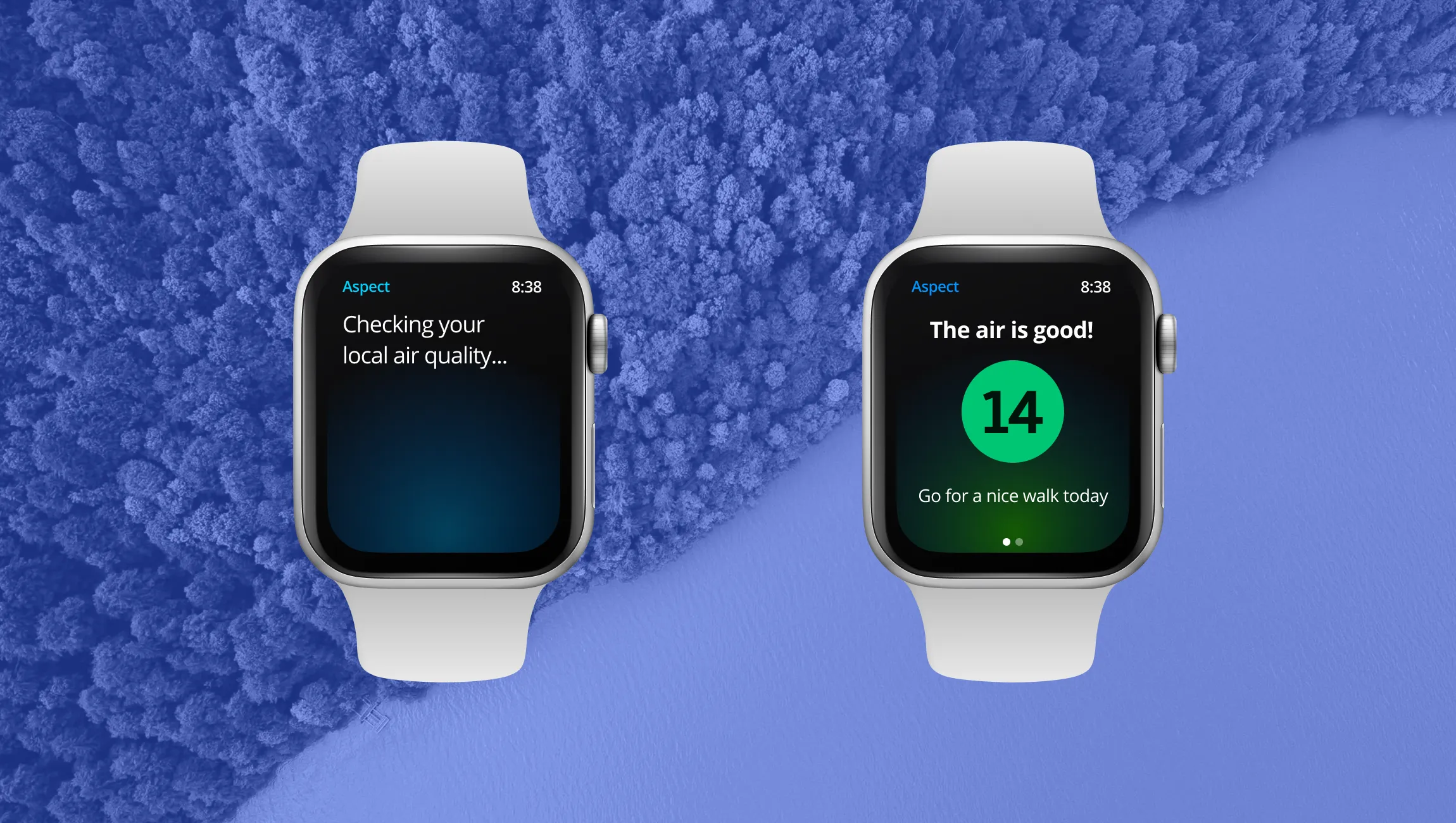
A watchOS concept that alerts people to poor air where they are, with glanceable AQI levels and safety guidance.
Project overview
About one in five U.S. adults regularly wear a smartwatch or fitness tracker (Pew Research Center, 2020), and almost everyone (99%) breathes air that exceeds World Health Organization air quality limits (WHO, 2022). That makes the wrist a natural place to explore air quality alerts. AirAlert is a watchOS concept for checking nearby air quality and responding to notifications from the watch.
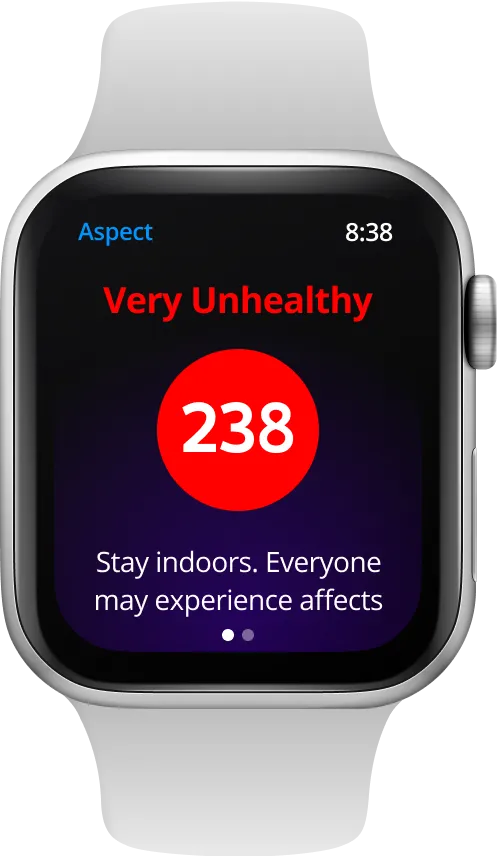
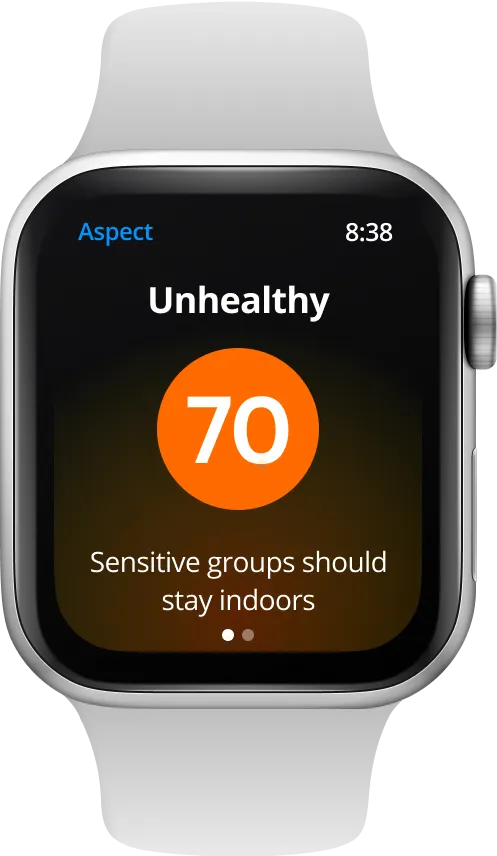
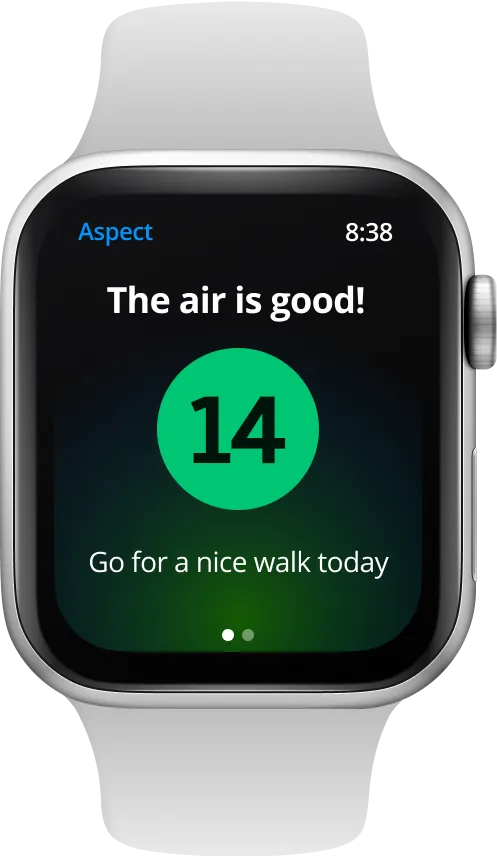
The prototype screens use the app’s earlier working name, Aspect.
Background
Air quality monitoring has evolved significantly with companies like PurpleAir and AirNow deploying sophisticated sensor networks and modeling systems. While this data is more accessible than ever, there’s a notable gap in how it’s delivered to end-users, particularly through wearable devices. This project addresses this opportunity by creating a minimal, user-friendly watchOS app focused on real-time air quality monitoring and alerts.
Problem statement
The design question was how to make air quality information useful within a watch’s small screen and short interactions. The concept focuses on:
- Delivering customizable, real-time notifications
- Creating a watchOS-specific interface optimized for glanceable information
- Presenting information from existing air quality data services
Design process
Entry points and journey mapping
The design process began with identifying two primary user entry points:
- Direct app access from the wearable device
- Response to push notifications
Key considerations in the user experience design included:
- Context awareness for notification timing and frequency
- Information hierarchy for immediate comprehension
- Post-notification user flow optimization
- Critical data presentation in the constrained watch interface
UX flow development
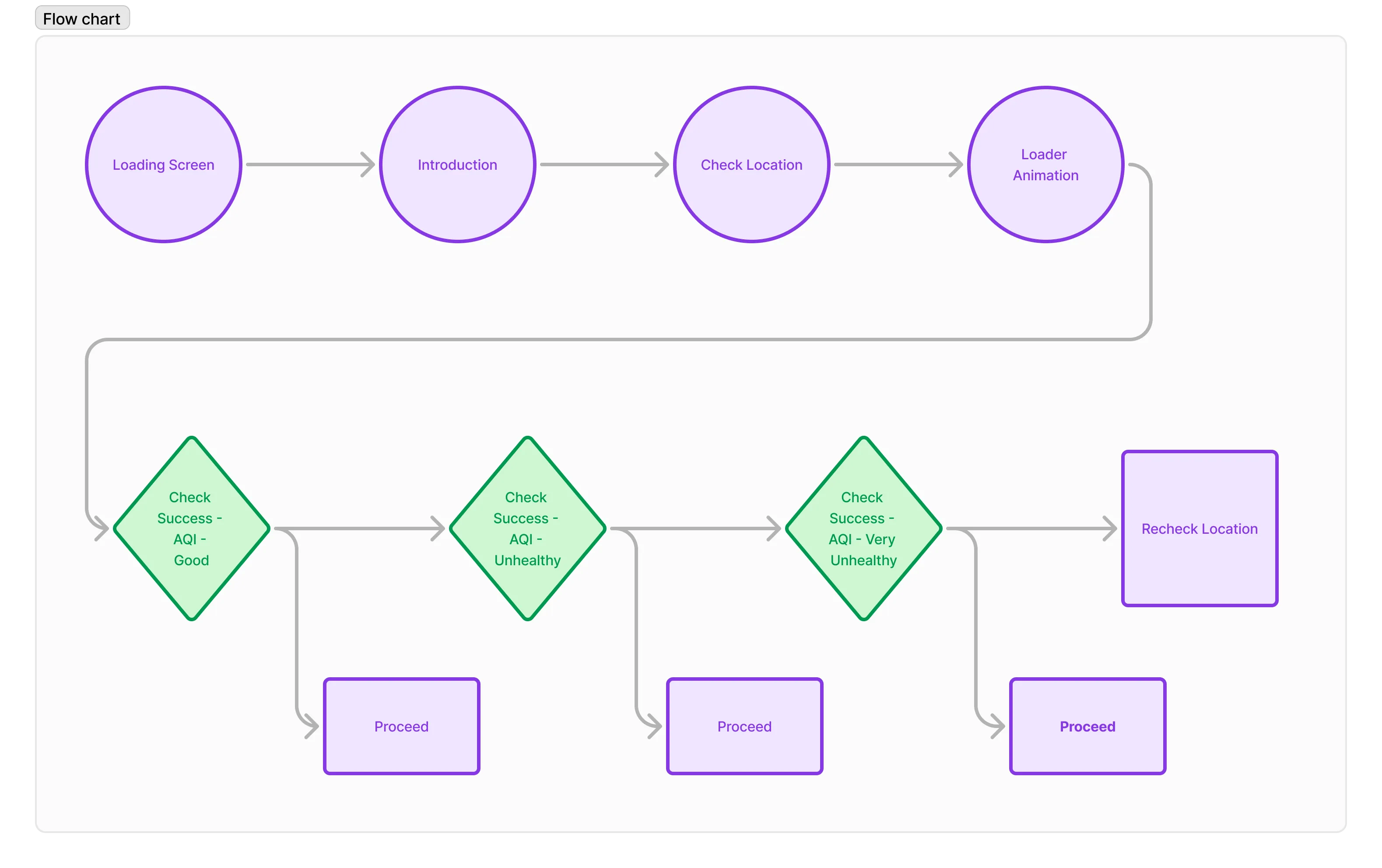
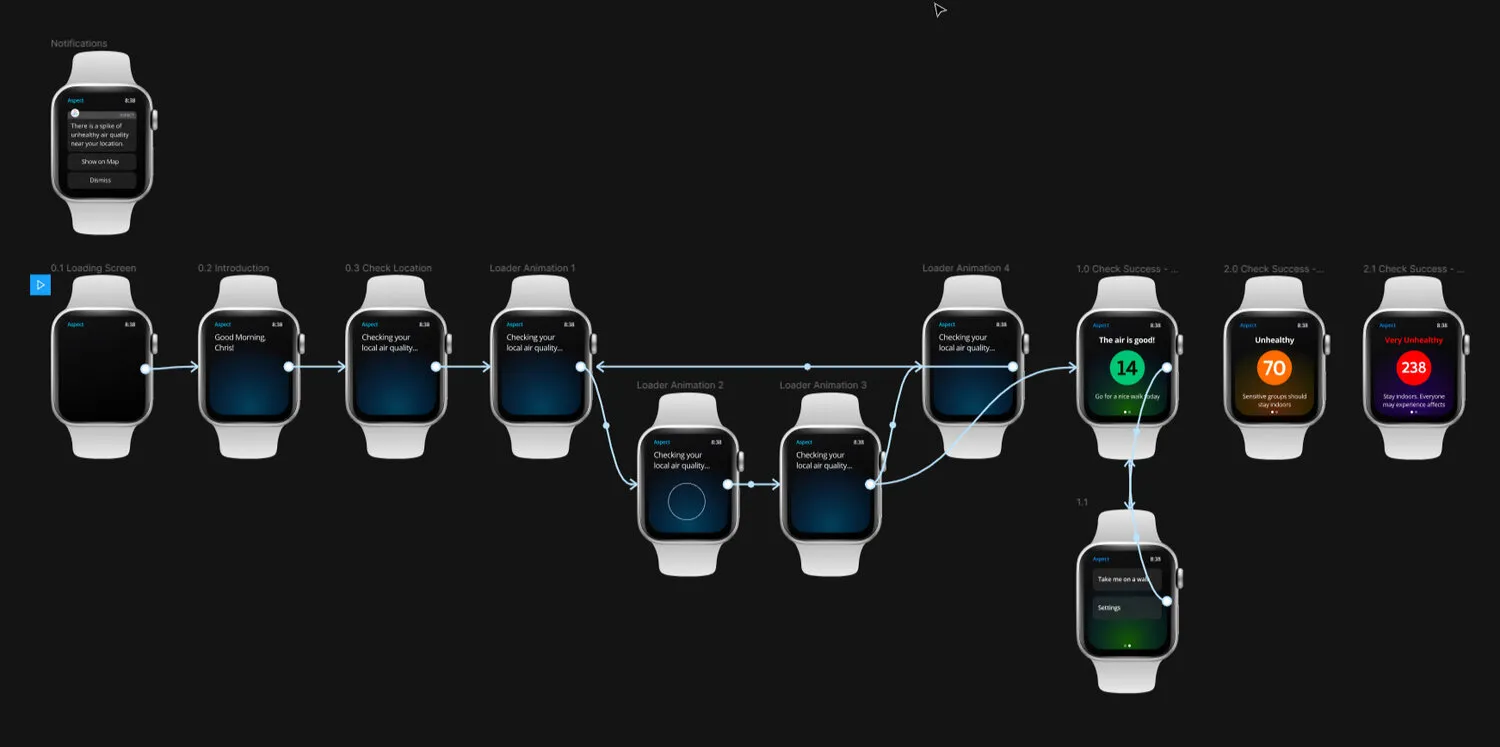
The user experience flow was mapped to ensure intuitive navigation and immediate value delivery. The system architecture accounts for:
- Multiple data source integration (NOAA, PurpleAir, AirNow)
- Real-time location services
- Push notification management
- Dynamic map rendering
User journeys
Journey A: Notification-driven interaction
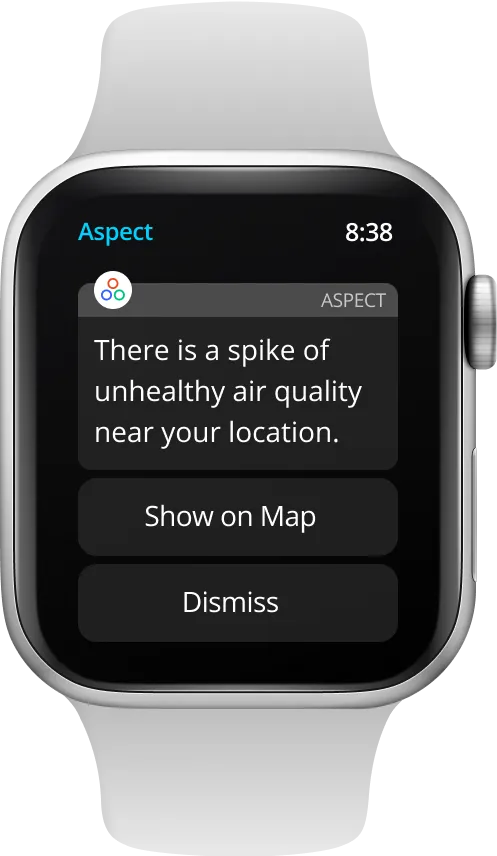
- Contextual alerts based on user location
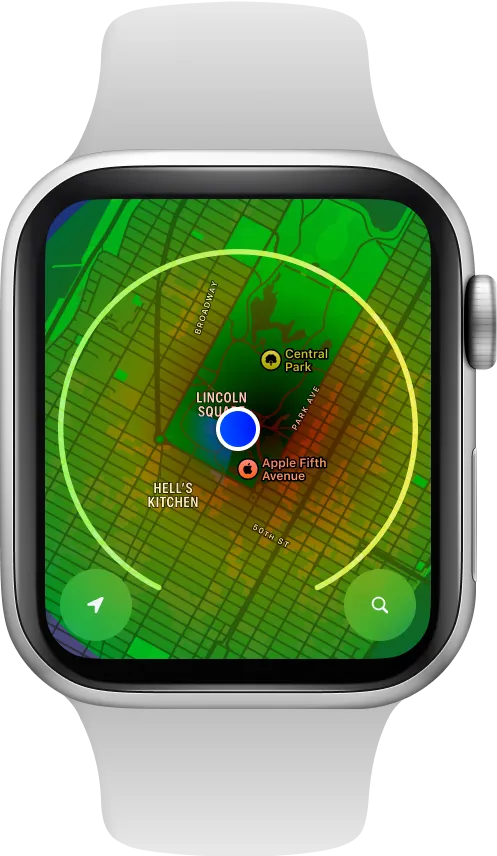
- One-tap access to detailed air quality maps
- Visual representation of air quality impact zones
- Immediate access to safety recommendations
Journey B: Proactive monitoring
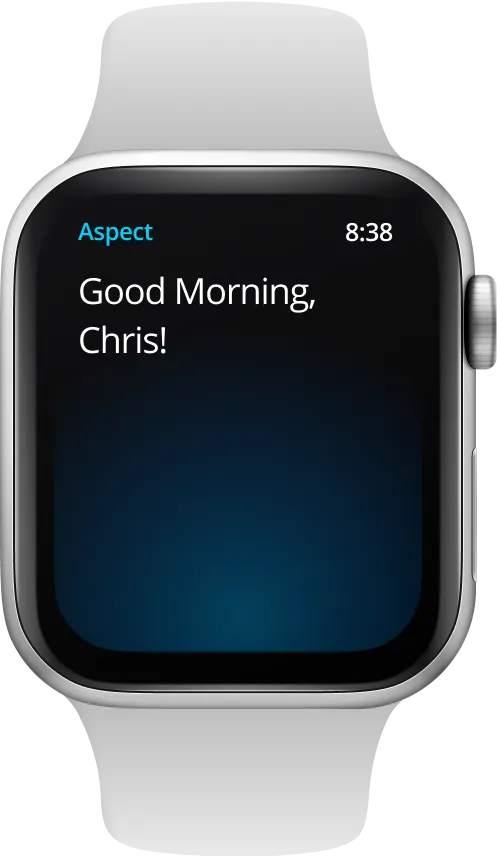
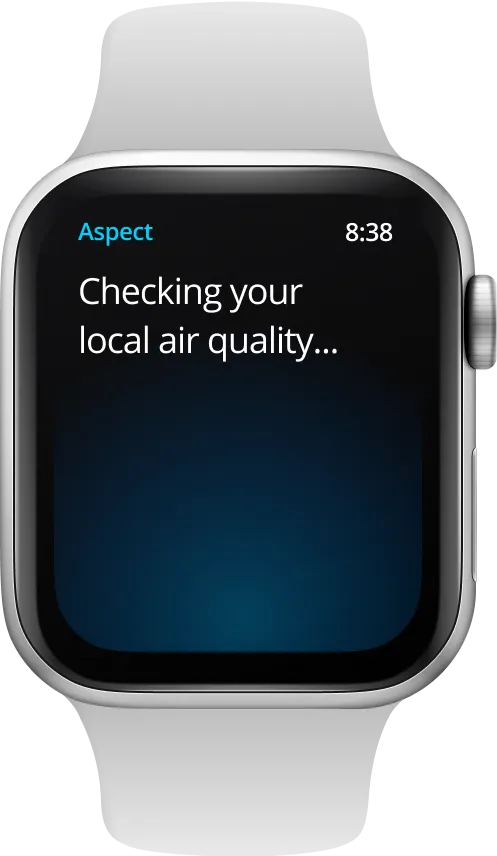
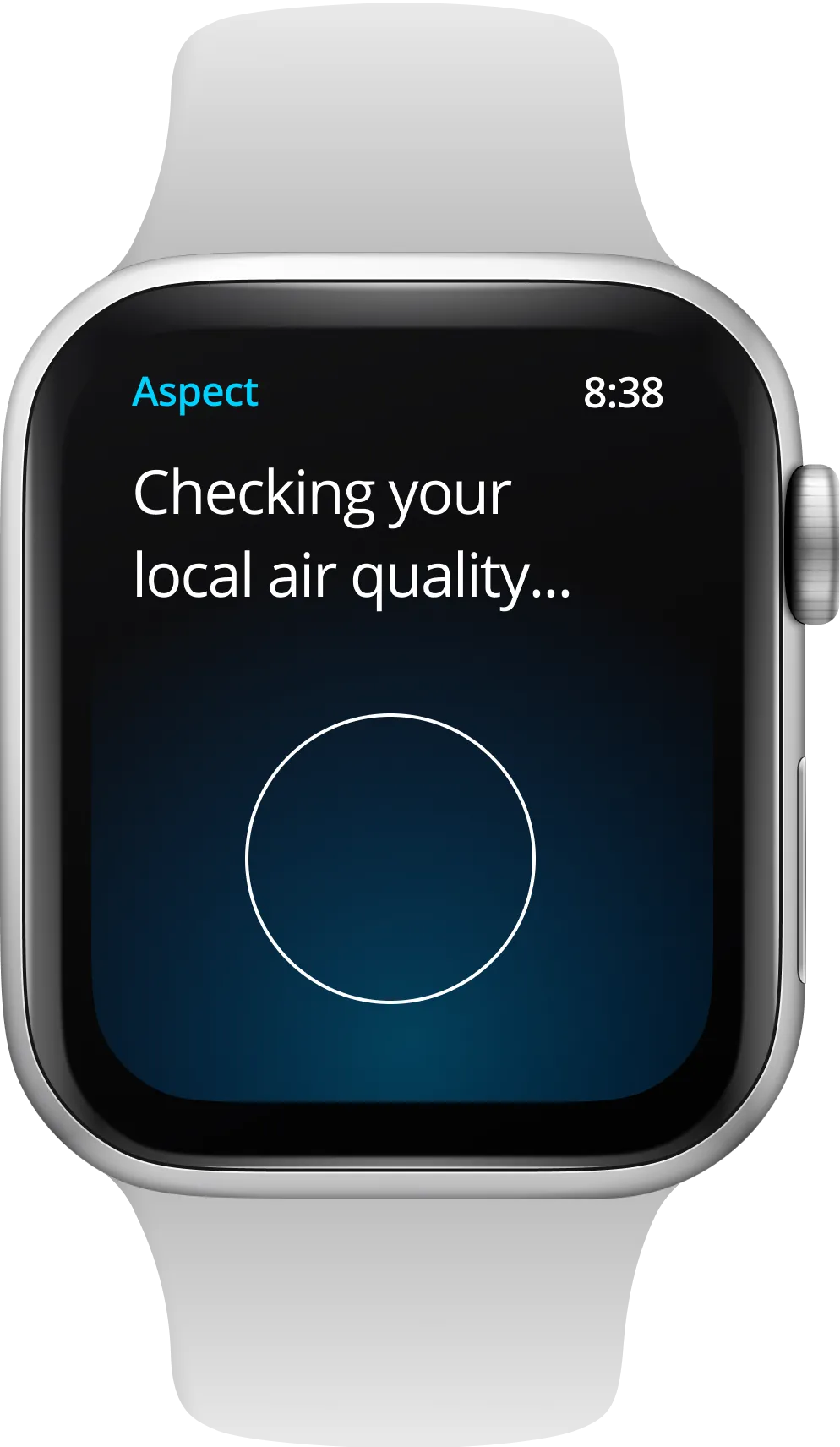
- Loading states that explain the location check
- Clear visual communication of AQI levels
- EPA-standard color coding for instant comprehension
- Simplified data visualization optimized for the watch face
If a user wants to view the current air quality conditions from their wearable without waiting for a notification, they can open the app from their app list.
Visual design and UI components
The interface adopts the EPA’s Air Quality Index color coding system while maintaining Apple’s design guidelines:
- Consistent color mapping for AQI categories
- High contrast for outdoor visibility
- A clear hierarchy that puts the AQI result before supporting details
- Gesture-optimized interaction patterns
Technical considerations
The application architecture considers:
- Location services optimization for battery life
- Real-time data synchronization
- Cross-reference capabilities with multiple air quality data sources
- Efficient storage and caching strategies
Future implementation path
While conceptual, this application has clear potential for real-world implementation:
- Integration with Apple’s Weather app ecosystem
- Configurable location services (Always-on vs. While Using)
- Opt-in notification system for specific AQI thresholds
- Extended functionality for different watch faces and complications
Concept outcome
The prototype maps two paths through the same information: opening the app to check conditions, or responding to an alert. It shows how the AQI result, map, and next action could fit into a watch interface.
Further testing would need to establish whether people can interpret the result quickly and whether the alerts are useful without becoming disruptive.
Last Updated: